
File preparation guide
Mastering Preparation
A clean, lossless stereo mix gives mastering the best possible starting point.
Export format
Export the final stereo mix as WAV or AIFF, preferably 24-bit, at the same sample rate used in the session.
- Do not convert an MP3 back to WAV.
- Keep the original sample rate; do not upsample solely for mastering.
- Export one continuous stereo file from the intended start to the intended end.
Master-bus processing
Remove final loudness processors that leave no room to work, while keeping processing that is an intentional part of the mix sound.
- Disable brick-wall limiting, maximising and accidental clipping.
- Bus compression, EQ or saturation may stay if they are essential to the mix.
- There is no fixed −6 dB target. Clean, unclipped peaks and natural headroom are what matter.
Check the render
Listen to the exported file from beginning to end before uploading it.
- Check the first and last notes, fades and reverb tails.
- Make sure there are no clicks, dropouts or muted elements.
- Compare the render with the session at the same playback level.
References and notes
A concise brief makes the first master more focused.
- Include one or two relevant reference tracks.
- Describe the desired direction: warmer, brighter, punchier, wider or more dynamic.
- Mention any concern you do not want mastering to exaggerate.
Before uploading
WAV/AIFF · preferably 24-bit · original sample rate · no clipping · limiter removed · file checked from start to finish.
Guides
Make your next release an informed choice.

Guides
Human or AI mastering: which should you choose?
Compare human and AI mastering by feedback, control and your release needs. Learn when an automated tool fits and when to work with an engineer.
Read the guide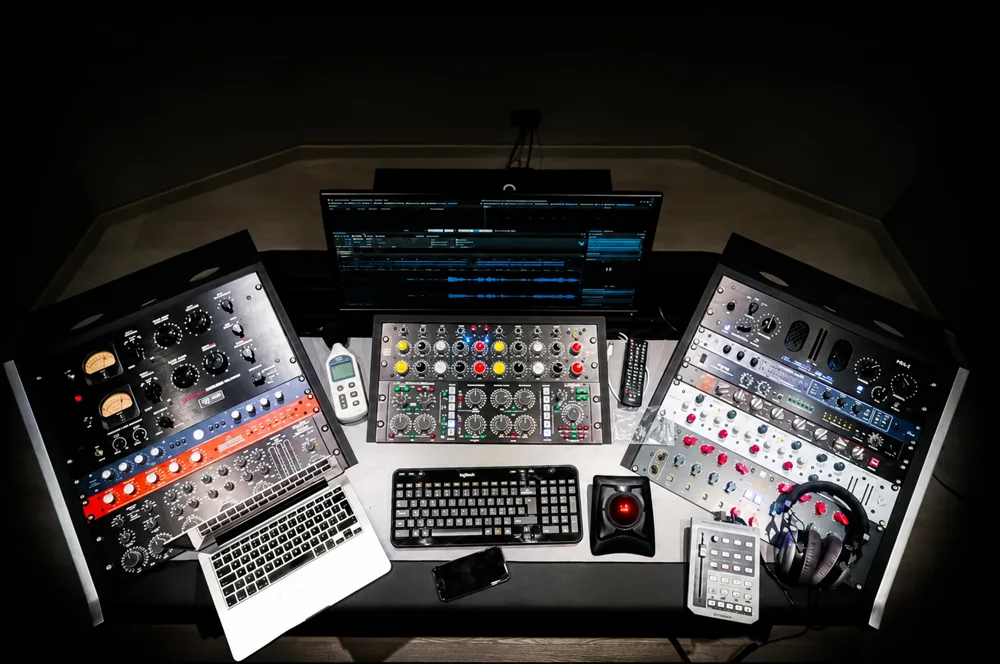
Guides
How much does online mastering cost?
Understand Solid Mastering prices: €80 stereo, €120 up to 4 stems, €150 up to 8. Compare scope, revisions and delivery before booking.
Read the guide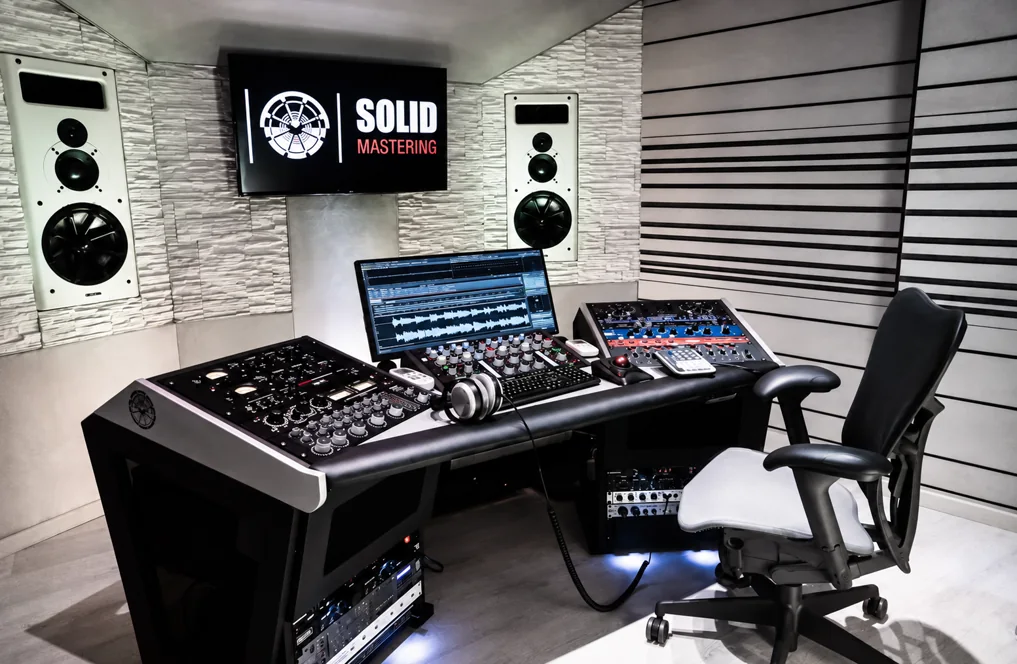
Guides
Stereo or stem mastering: what does your song need?
One stereo mix or separate stems? Learn what each mastering service can change, when you need a full mix and how to prepare the right files.
Read the guide